Multistream and relay
One feed in. Every destination out.
AccordMix is the relay between you and your platforms. Send one broadcast from the desktop app, the browser studio or OBS, and it goes to YouTube, Facebook and any custom RTMP destination at the same time.
One upload · Every platform · Your own station page
One feed in, everywhere out
- Inputs: microphones, a music bed, a camera or screen, and OBS.
- The desk: one feed with a fader on every input.
- AccordMix receives that single feed.
- Destinations: YouTube, Facebook and custom RTMP.
- Listeners: your station page and the listener app.
Send once. Arrive everywhere.
Your connection carries a single feed. AccordMix makes the copies and keeps each one connected.
Fan out once
Upload one stream. AccordMix sends it to every destination you selected, so a three-platform broadcast costs your connection no more than one.
YouTube, set up for you
Connect your channel once. AccordMix creates the listing before each session and pushes the title and description for you.
Custom RTMP anywhere
Facebook Live, Twitch, X, LinkedIn Live, Kick, or your own server: anything that gives you a stream key can be a destination.
Keeps itself connected
If a platform drops the connection, AccordMix waits a moment, reconnects on its own and tells you plainly when it cannot.
Your listeners, too
Every broadcast also reaches your station page, where followers get an alert the moment you go live and can chat while they listen or watch.
The replay is already being kept
Recordings are kept for the time your plan allows and published as replays on your station page.
How the relay works
- 01
Pick your source
Mix on the desktop app, open the web studio, or point OBS, vMix or a hardware encoder at your stream key on plans that include it.
- 02
Choose destinations
Save your destinations once in the web studio. Before each session, pick which ones this broadcast goes to. AccordMix checks the whole path and tells you what would fail while you can still fix it.
- 03
Go live
One button. Every destination starts at once, followers get the alert, and the replay is already being kept.
Destinations by plan
Every plan can send to your station page. Paid plans add destinations and streaming from OBS and other encoders.
| Plan | At the same time | Saved destinations | OBS and encoders | Stream time |
|---|---|---|---|---|
| Free | 1 | 1 | Desktop and browser only | 2 hrs per session |
| Creator | 0 | 2 | Included | Unlimited |
| Pro | 3 | 3 | Included | Unlimited |
| Business | Unlimited | Unlimited | Included | Unlimited |
On the Free plan, video sent to other platforms carries a small AccordMix mark and YouTube descriptions end with a short AccordMix note. Paid plans send it clean.
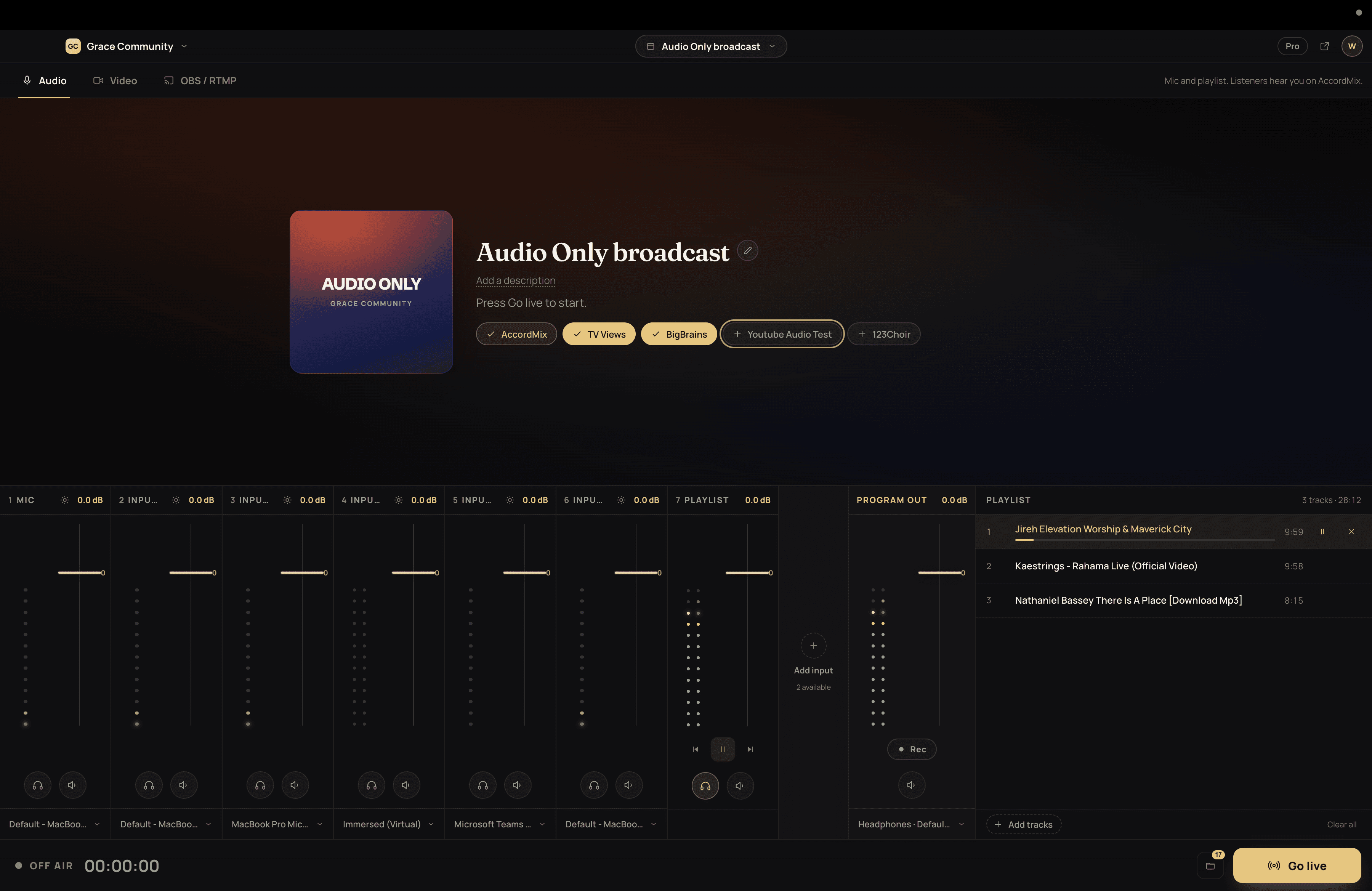
Broadcasting sound only? Audio-only streaming reaches the same destinations. Already on OBS? Read the OBS setup guide.
Multistreaming, answered
AccordMix combines the relay with a mixer that runs on your computer and a listener network of its own. You get the desk, the fan-out and a station page people can follow, in one account. It is audio-first, so it works as well for sound-only broadcasts as for video.
Your next broadcast starts on your desk.
Free to download for Mac and Windows. No credit card, no waiting on anyone to set it up for you.